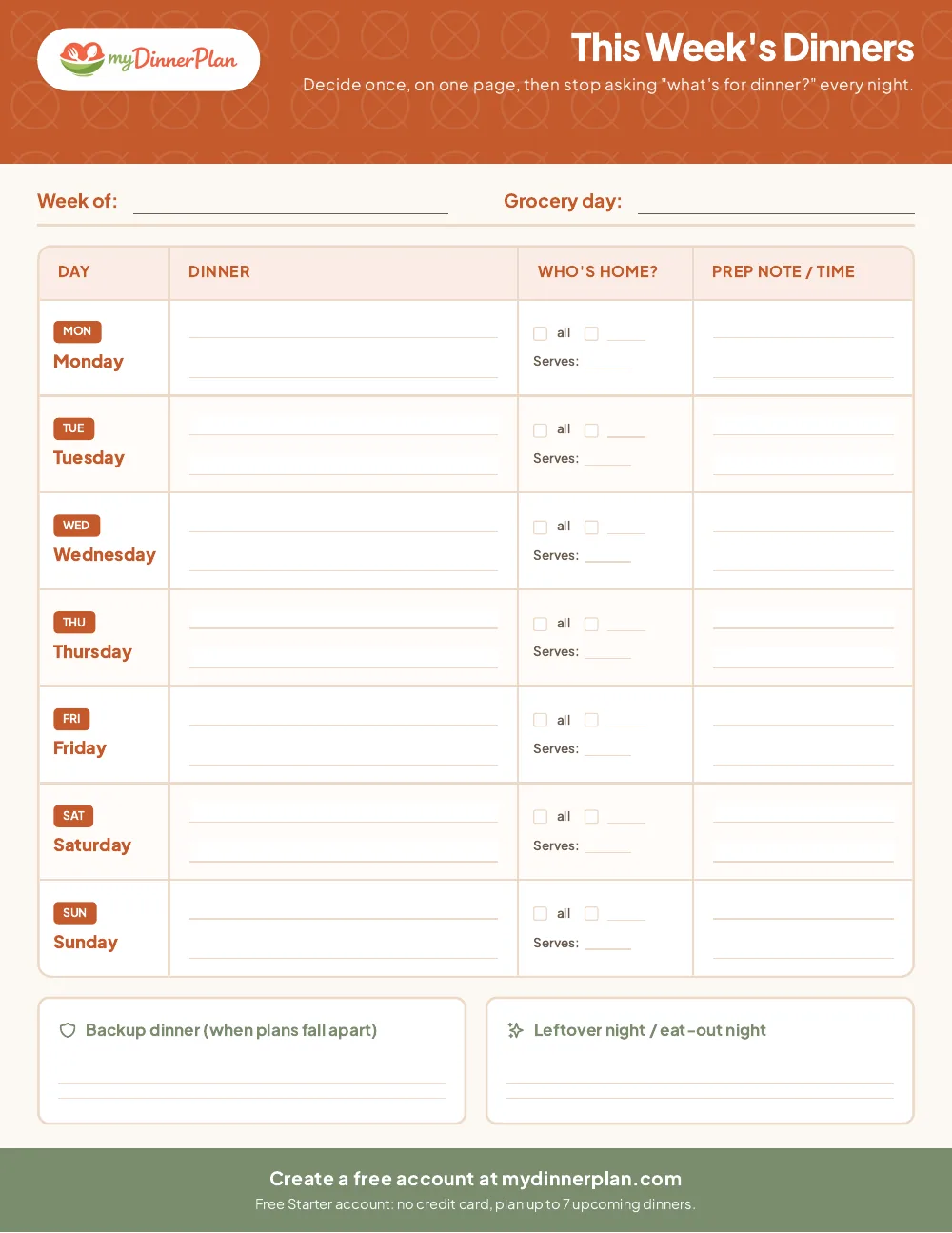
This week’s dinners
One row per night with room for the meal, who’s home, how many it serves, and a prep note (“thaw chicken Tuesday morning”). Plus a backup-dinner box for the night plans fall apart.
Free download
Seven dinners, one page, decided once. Print it, stick it on the fridge, and stop answering “what’s for dinner?” every night at 5pm.
No email, no sign-up needed to download.
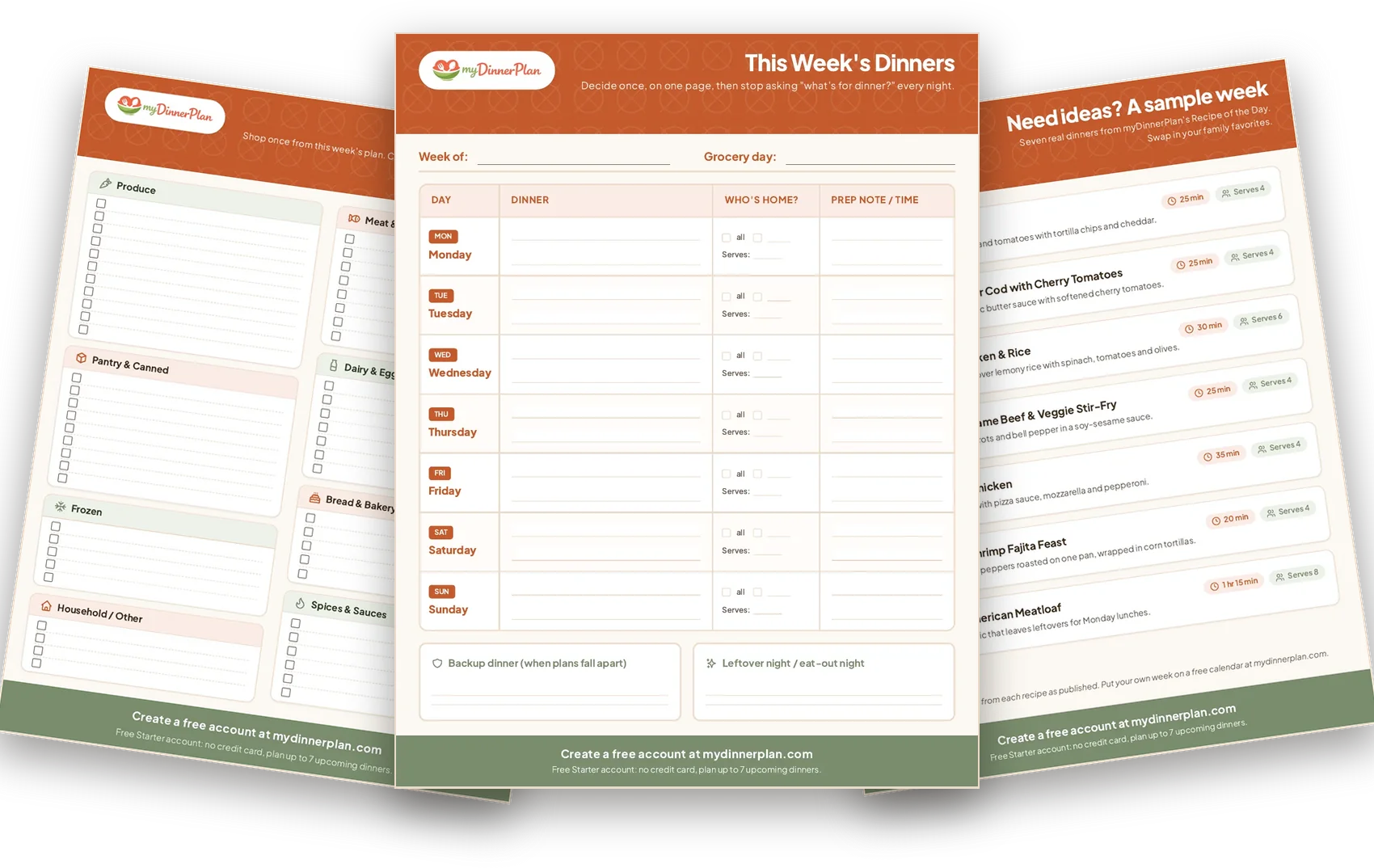
One row per night with room for the meal, who’s home, how many it serves, and a prep note (“thaw chicken Tuesday morning”). Plus a backup-dinner box for the night plans fall apart.
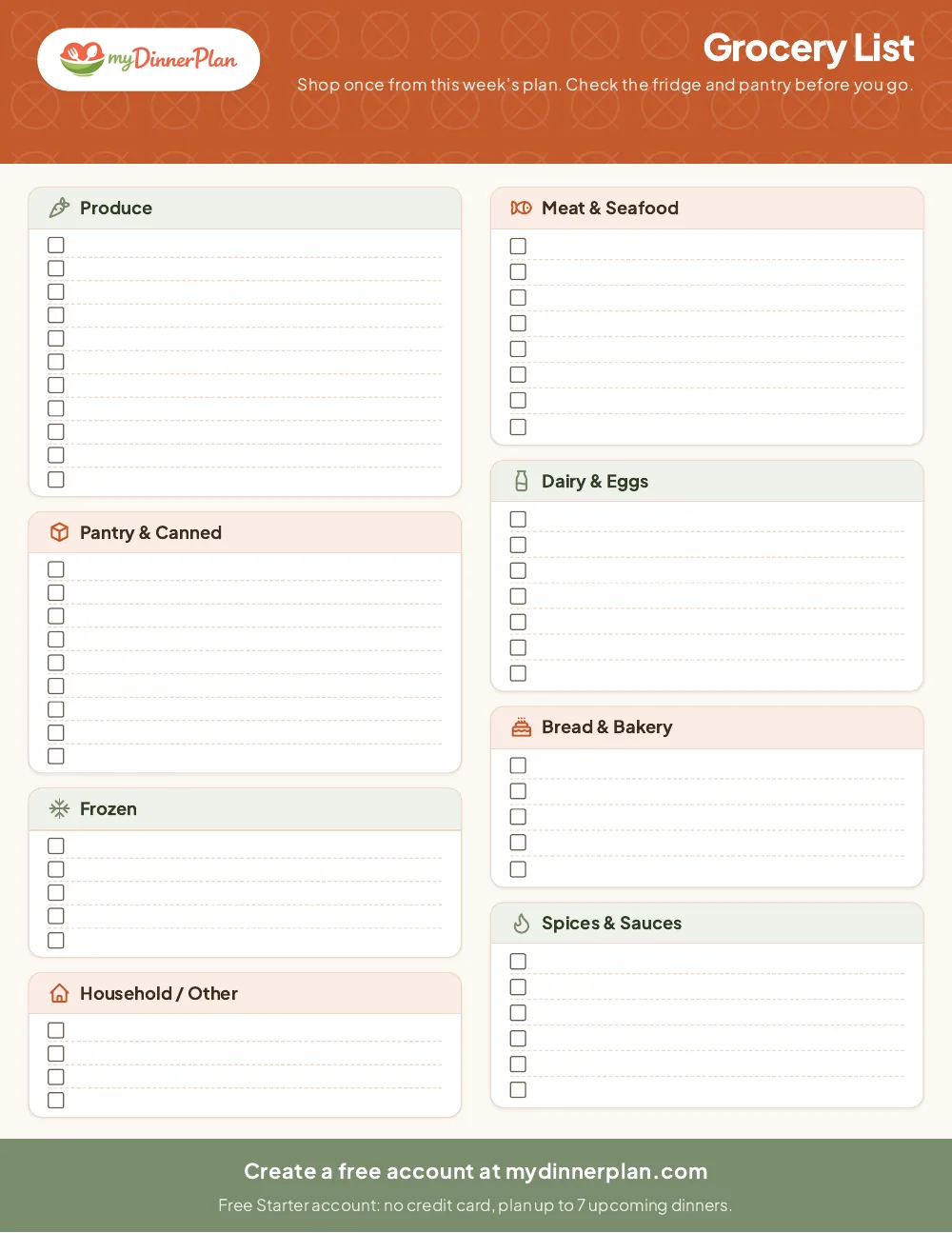
Sorted by store section (produce, meat and seafood, dairy and eggs, pantry, bakery, frozen, spices and sauces) so you walk the store once.
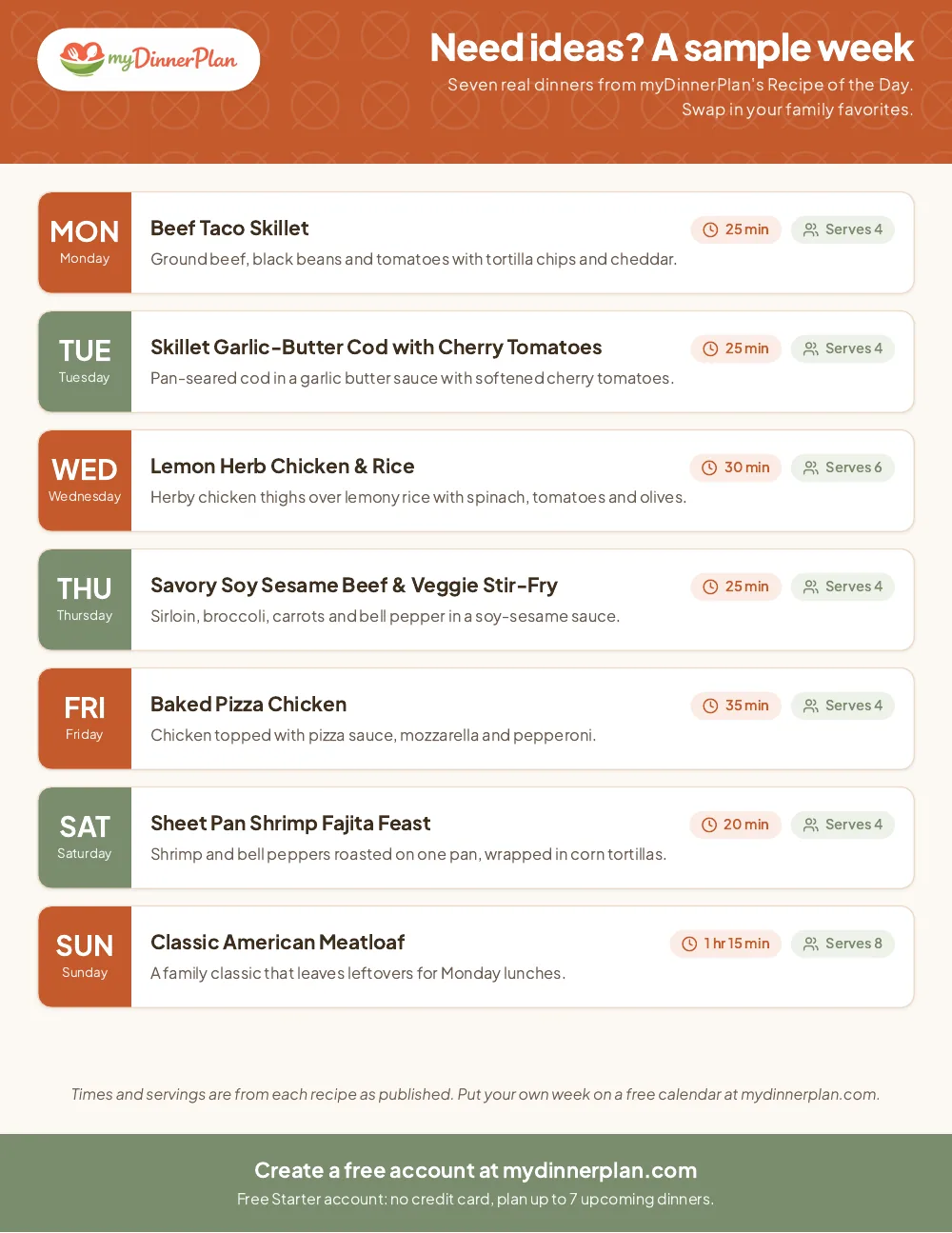
Seven real dinners from myDinnerPlan’s Recipe of the Day if you need a starting point.
Check the calendar first. Write who’s home each night before you pick a single recipe; late practice nights get the 20 to 25 minute meals.
Fill in the dinners. Start with one or two family favorites, then add one new thing. Keep the rest simple.
Plan one leftover or eat-out night. A planner that assumes seven cooked dinners is the one that gets abandoned by Thursday.
Build the grocery list from the plan. Go meal by meal, check the fridge and pantry, and write only what’s missing.
Pick a backup dinner you can make from the pantry, and write it in the backup box.
Want a repeatable system on paper first? See a simple weekly system or common list-from-plan mistakes.
Times and servings from our Recipe of the Day picks.
Paper is great until the plan changes on Wednesday, or the person shopping isn’t the person who wrote the list. myDinnerPlan is the same idea on a shared calendar: pick dinners from the recipe library or add your own family favorites, and everyone in the house can see what’s cooking.
Create a free account and plan this week’s dinnersFree Starter account: no credit card, plan up to 7 upcoming dinners. myDinnerPlan is planning software only, not a meal kit; you shop and cook your way.
Want the grocery list built for you from the plan? That’s on the Household plan. See pricing.
Yes. Download and print as many copies as you like; no email or account needed.
No. The account is only if you want your plan on a calendar you can update from your phone.
No. Starter is free with no card and no end date; it lets you plan up to 7 upcoming dinners by hand. Paid plans are separate; see Pricing.
No. It's planning software; you buy groceries wherever you already shop.
It's built around dinner because that's the decision that causes the most nightly stress, but the prep-note column works for lunches too.
Print at home on US Letter paper. No account required.
Tap Share then Add to Home Screen
Tap the browser menu then Install app or Add to Home screen

Install myDinnerPlan for quick access